Step 1
SLIDE ON
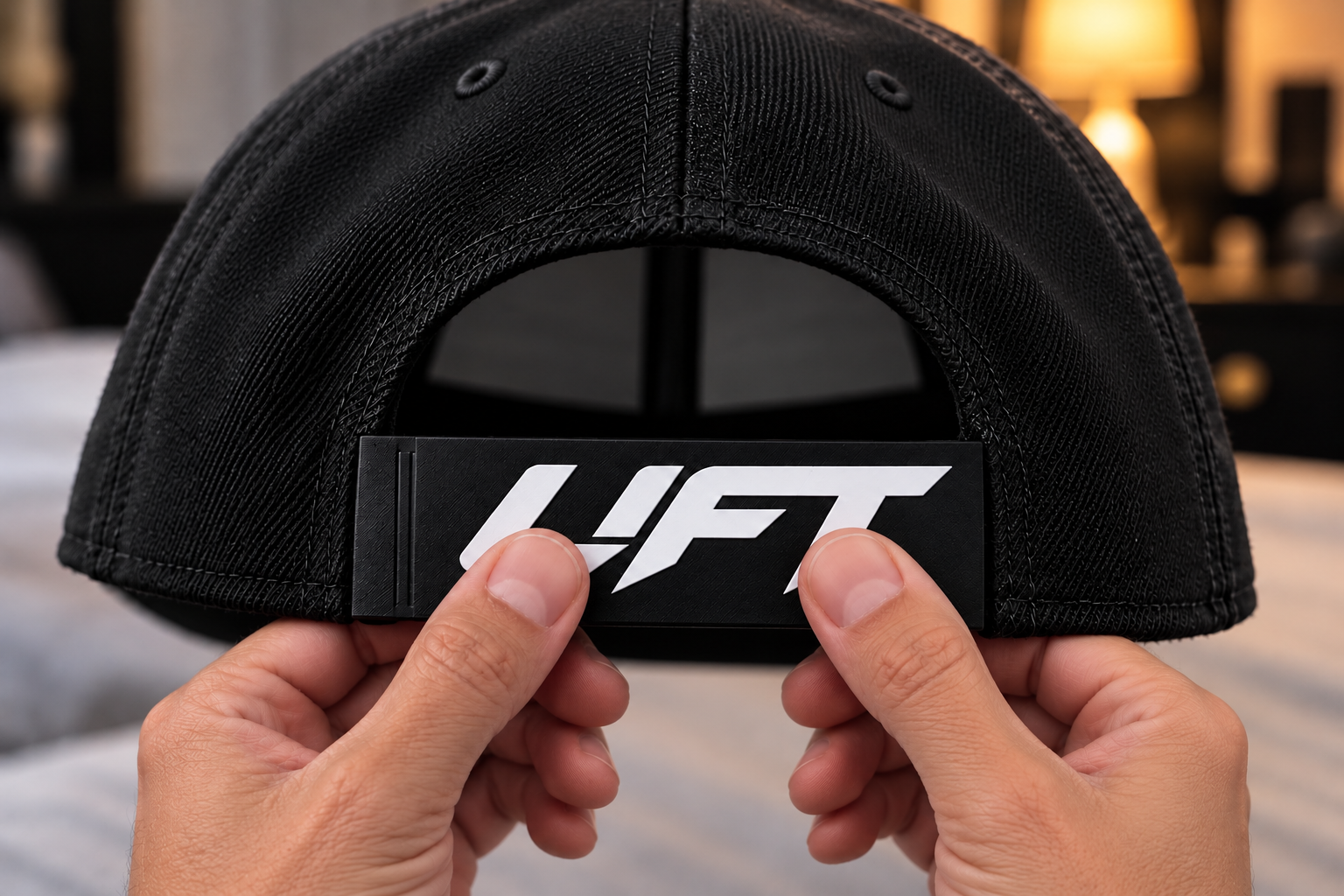
Slide the sleeve over the female snapback strap, the strap with seven adjustment holes.

SnapInk™ sleeves are designed to fit hats with a standard plastic 7-peg snapback closure. Each sleeve slides over the existing female strap (the strap with adjustment holes), allowing the original snapback pegs to snap naturally into place. No modifications, replacement straps, or tools required.
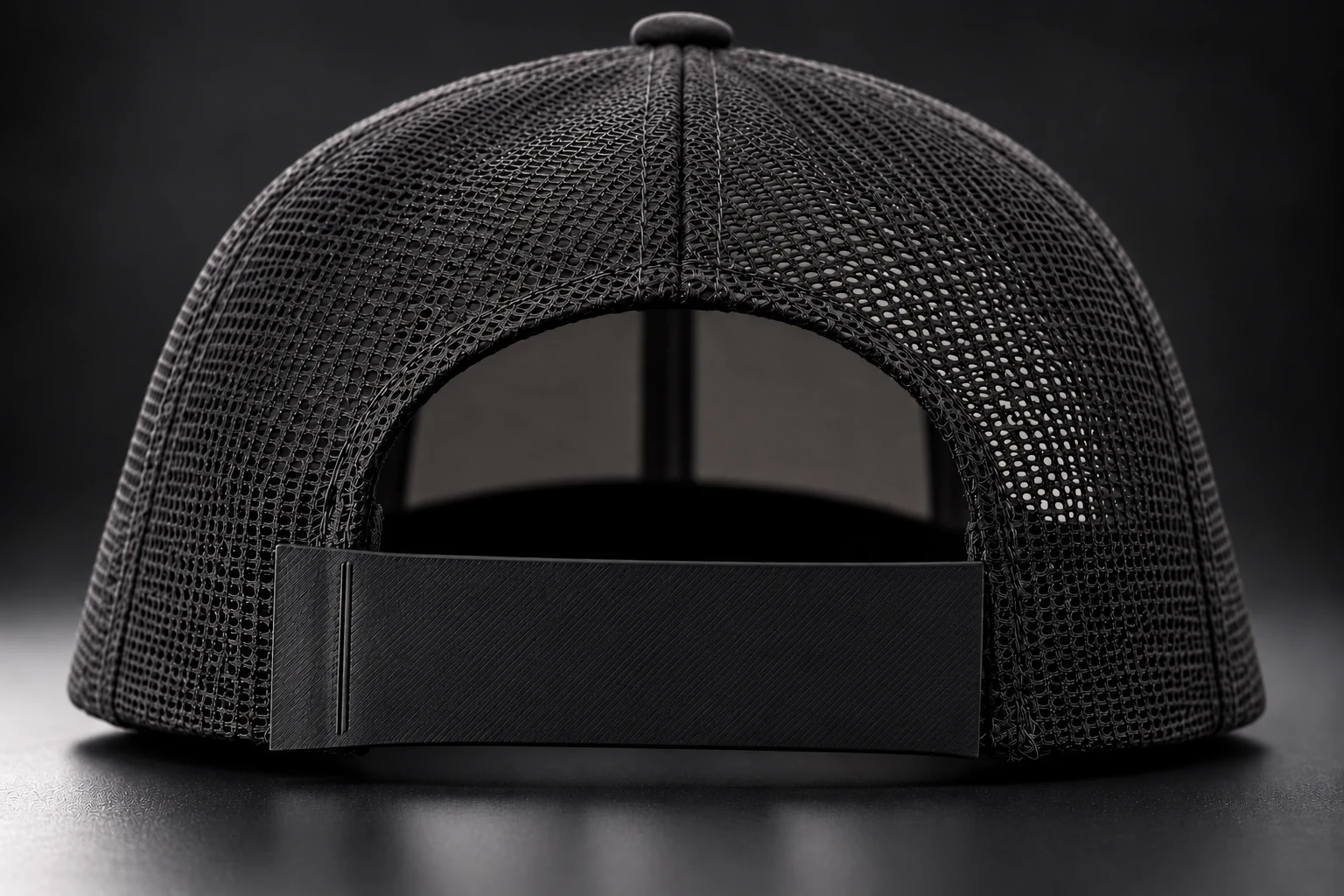
SnapInk sleeves are designed for standard plastic 7-peg snapback closures, regardless of hat brand. Check that your hat has a plastic closure with seven adjustment holes and matching pegs. The sleeve slides over the female strap with adjustment holes; the original pegs then snap into place. It does not replace the original closure.
Sizes 0–5 are sleeve configurations, not hat sizes. Count the snapback pegs left exposed when you wear your hat and select the matching number.
Slide the sleeve over the female snapback strap, the strap with seven adjustment holes.
Align the original pegs with the female strap's adjustment holes, then press the closure together until the pegs snap into place.
Wear the finished sleeve on your favorite snapback and show off your design.
Want to try a design? Design your snapback strap sleeve in SnapInk Studio.
Count the exposed pegs on your standard plastic 7-peg snapback closure to choose your sleeve configuration.
Design Your Sleeve